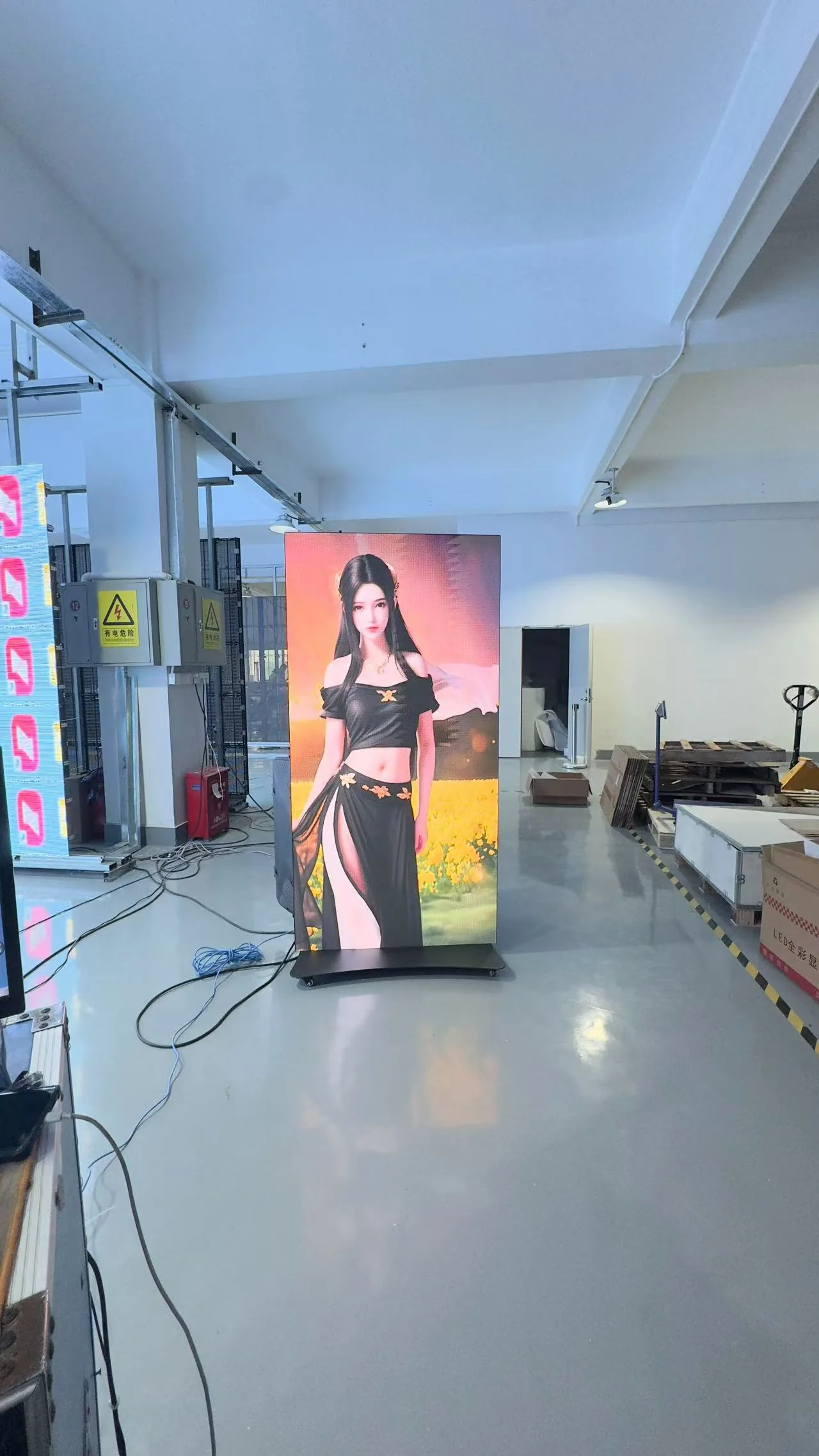
LED displays for spaces that need to be seen.
Explore by application, display family and visible project reference.
Start with the environment.
Use application context to narrow the display direction, then validate the final configuration against source-controlled technical data.
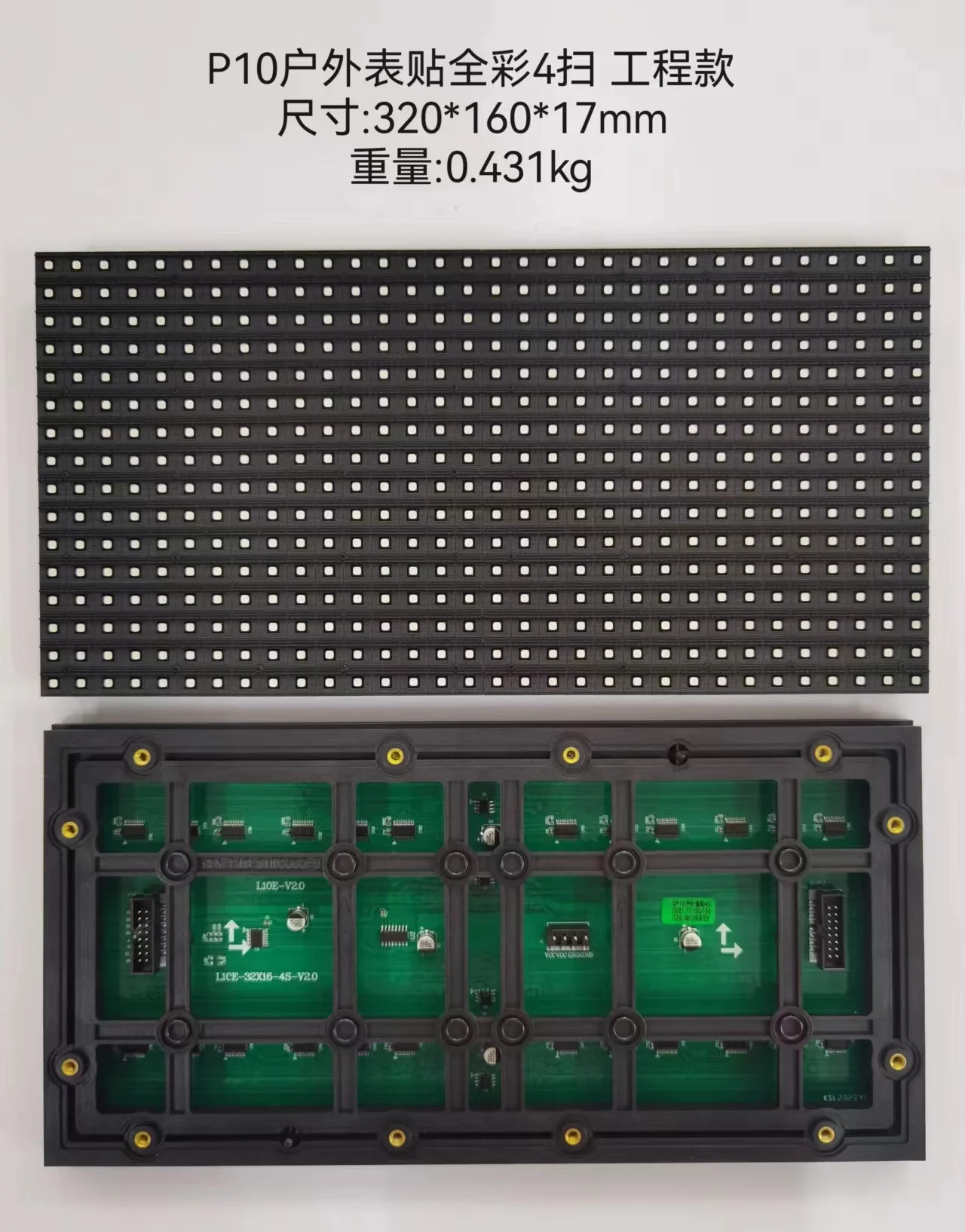
DOOH
Outdoor advertising and high-visibility public display environments.
Retail & Commercial
Indoor brand, mall and commercial visual environments.
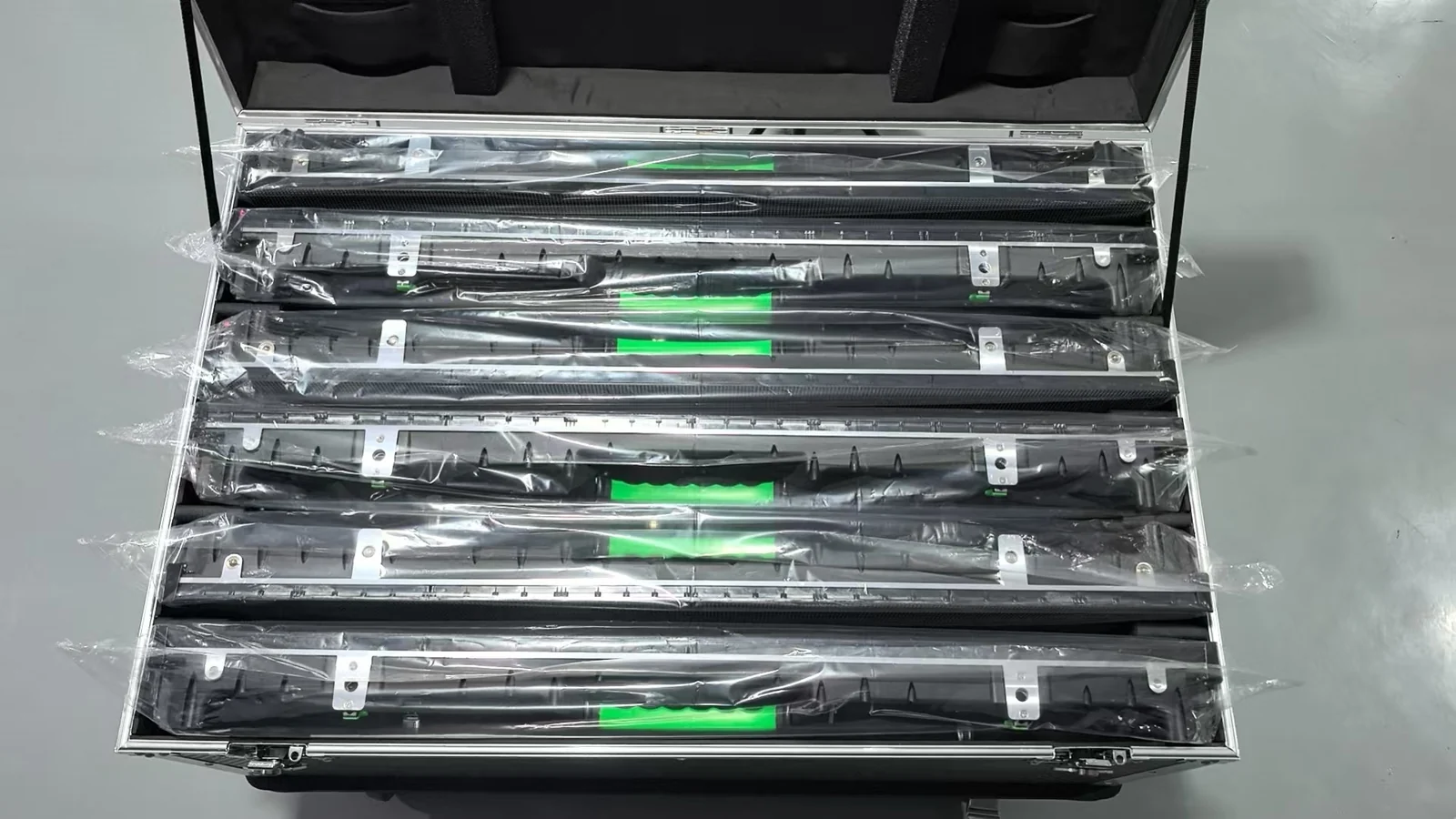
Rental & Staging
Temporary event, stage and production-led display environments.
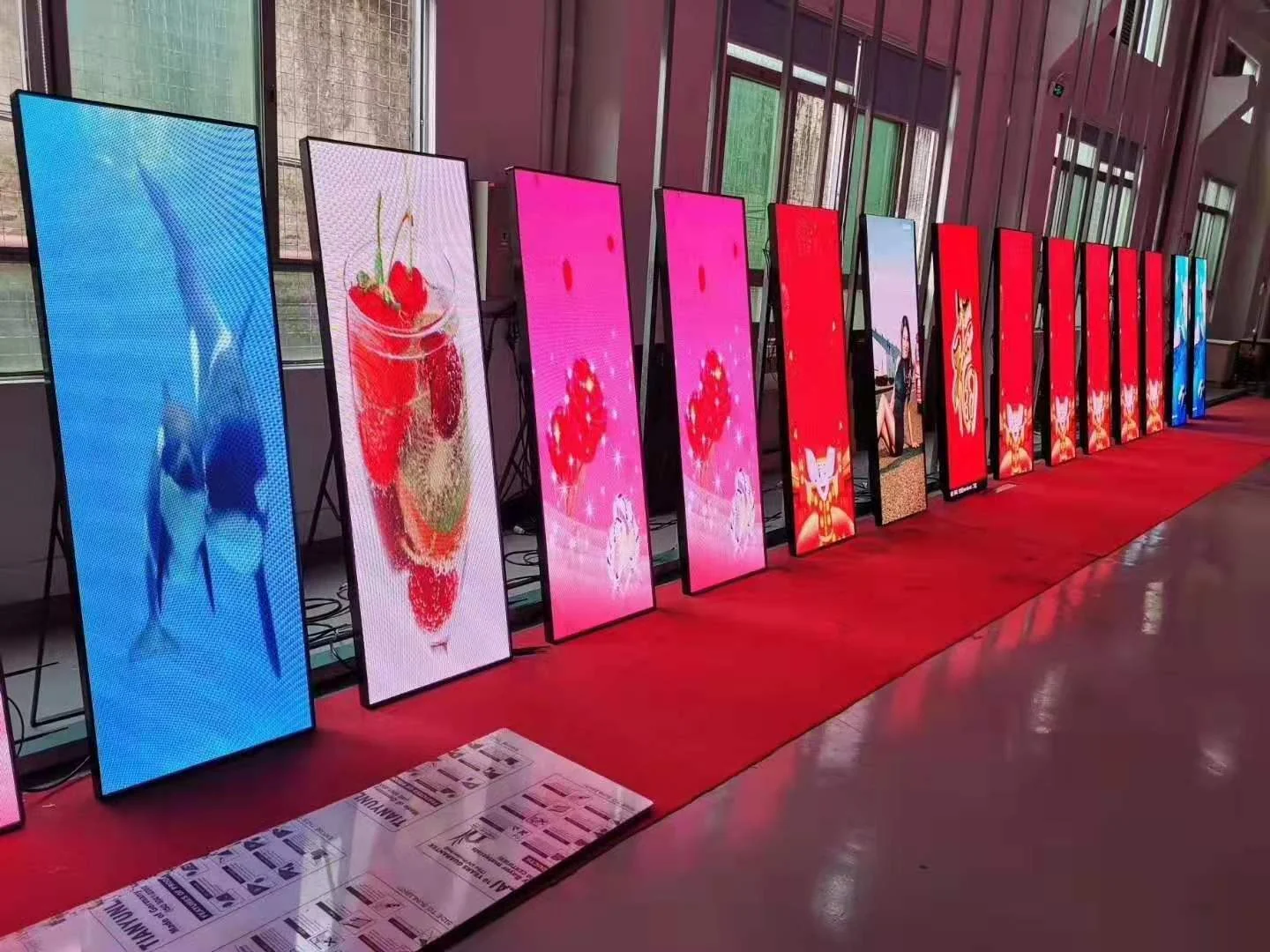
Commercial Display
Permanent commercial display environments.
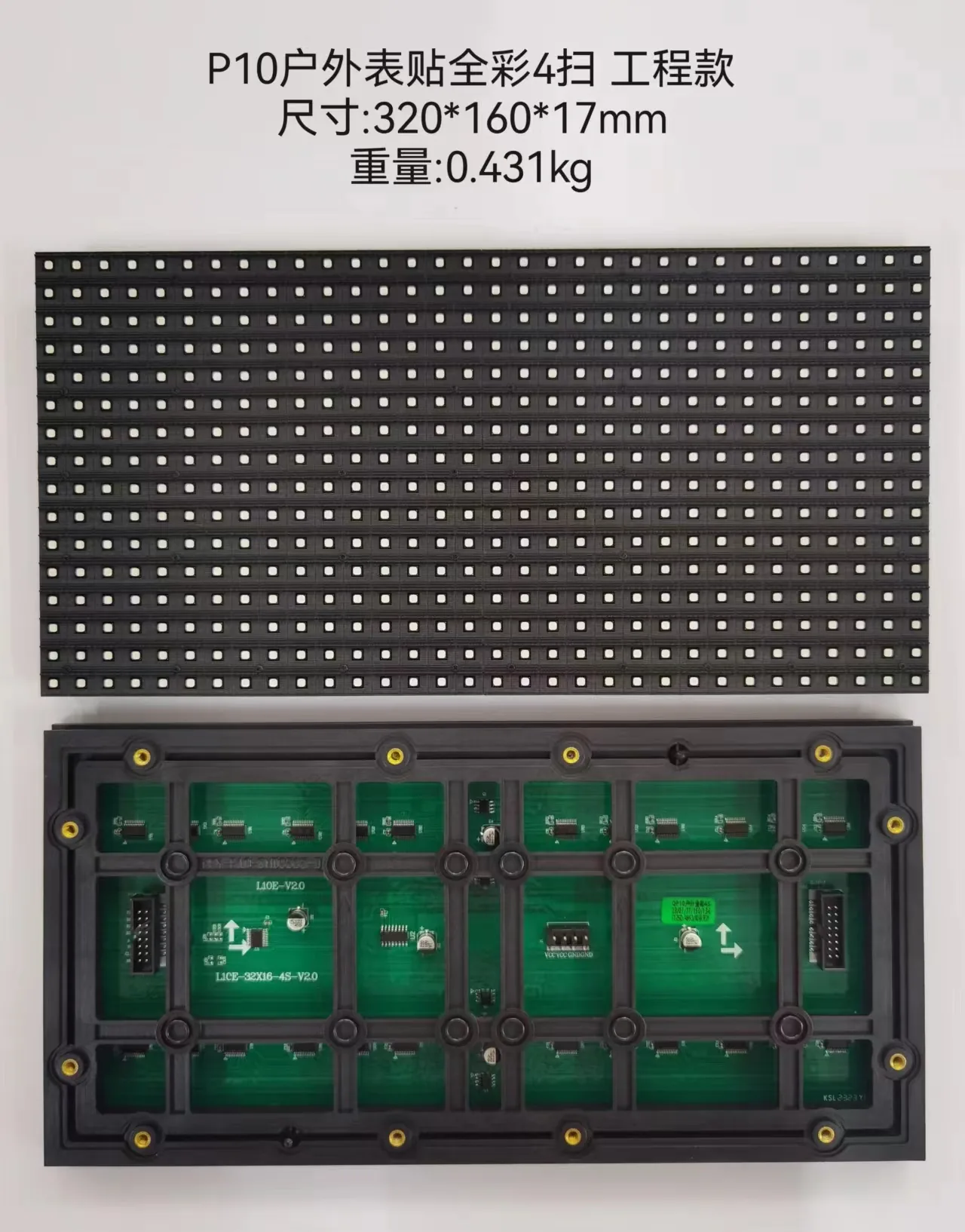
Stadium & Venue
Large-audience venue and stadium display environments.
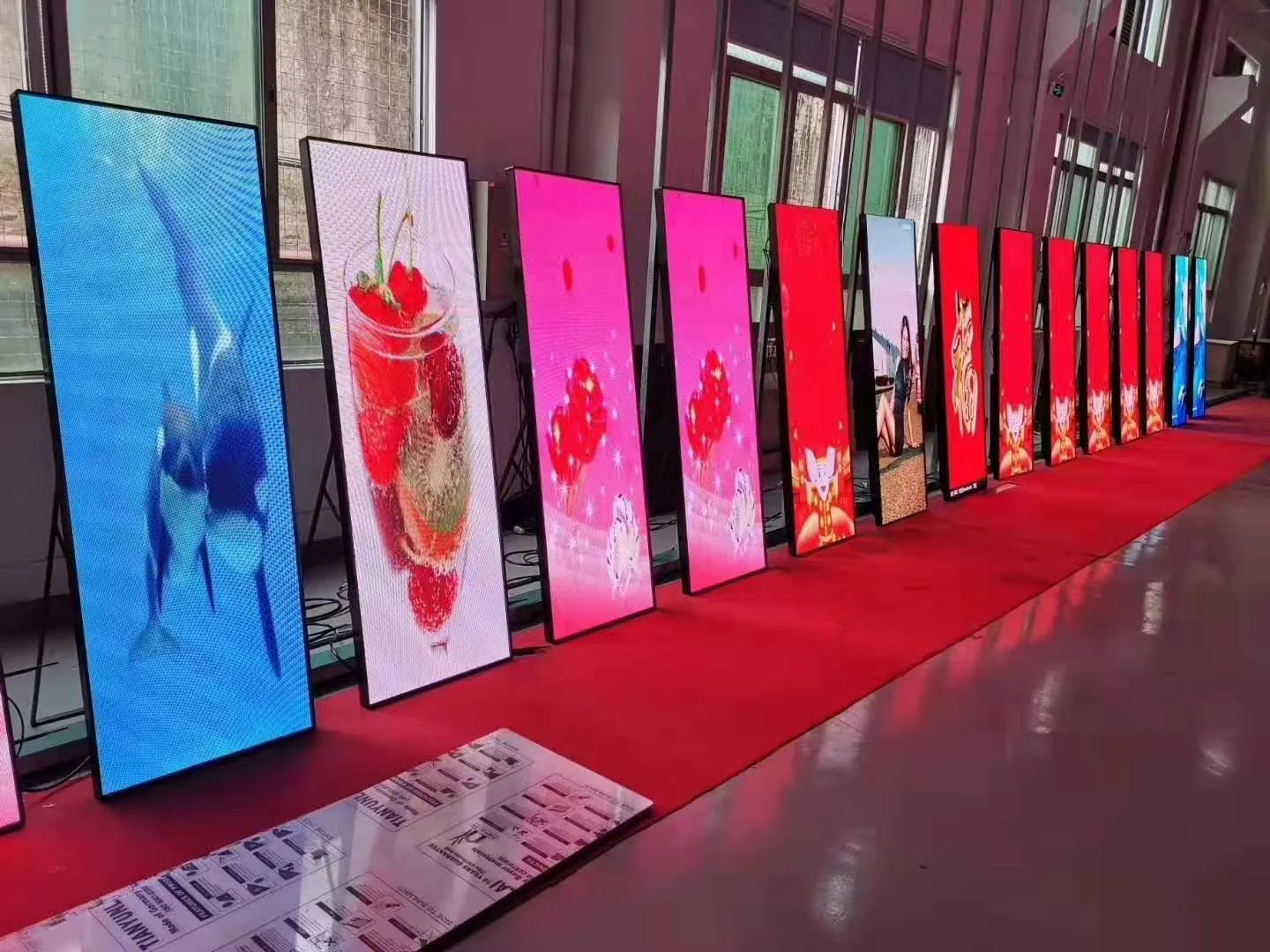
Creative Experience
Form-led and experiential display concepts.
Browse the complete application structure, then validate the display direction against the real project brief.
View all applications ↗Choose the display direction first.
Start from installation context and display family. Final configuration stays tied to the real project brief and controlled technical data.
Need another display family? The full directory includes commercial fixed, transparent, creative and stadium routes.
View all product families ↗Source-material images support product-family discovery; final model and technical configuration remain project-specific.Project evidence, presented as chapters.
Large-format reference imagery leads the page while published facts, pending fields and visual-reference boundaries remain explicit.
Visuals remain reference imagery unless separately documented as project-site evidence.
Review evidence policy ↗From application context to a project-ready direction.
Explore the market and product family first. Final technical selection stays tied to verified project conditions and controlled source data.
Understand the environment
Start with where the display will operate and how the audience will view it.
02Choose a display family
Narrow the direction without treating a category page as a final specification.
03Validate project conditions
Confirm dimensions, installation, service access and other project inputs.
04Use controlled evidence
Separate documented technical data and project evidence from pending information.
TOPSTAR SOURCE MATERIAL · DISPLAY REFERENCEMove from discovery to a controlled project brief.
Keep application context, technical data and project evidence distinct, then send the actual project conditions for review.