Environment
Indoor/outdoor exposure and operating context.
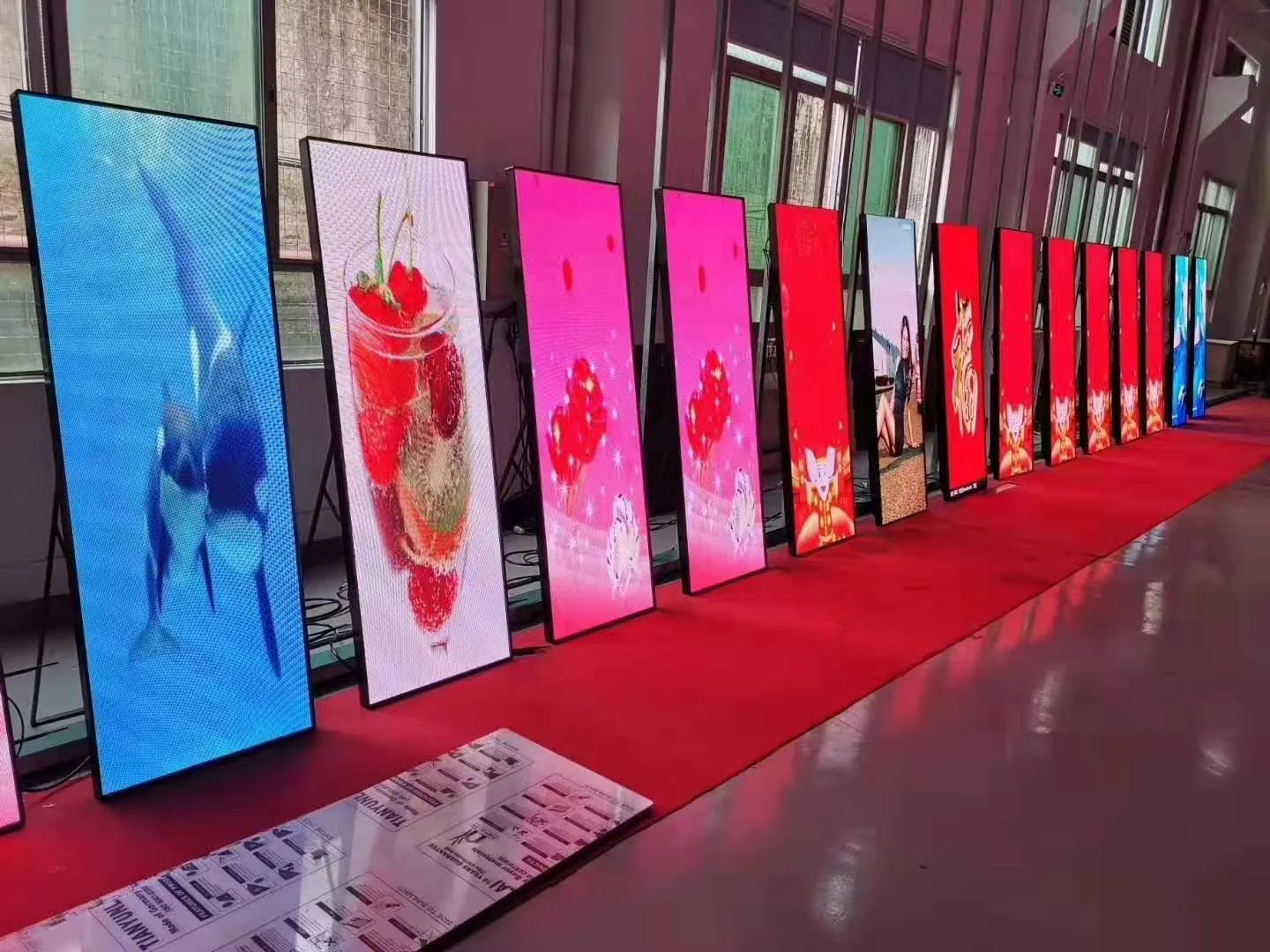
Browse TOPSTAR display families by application context, deployment pattern and viewing environment.
Browse the display families, then open the relevant product route.
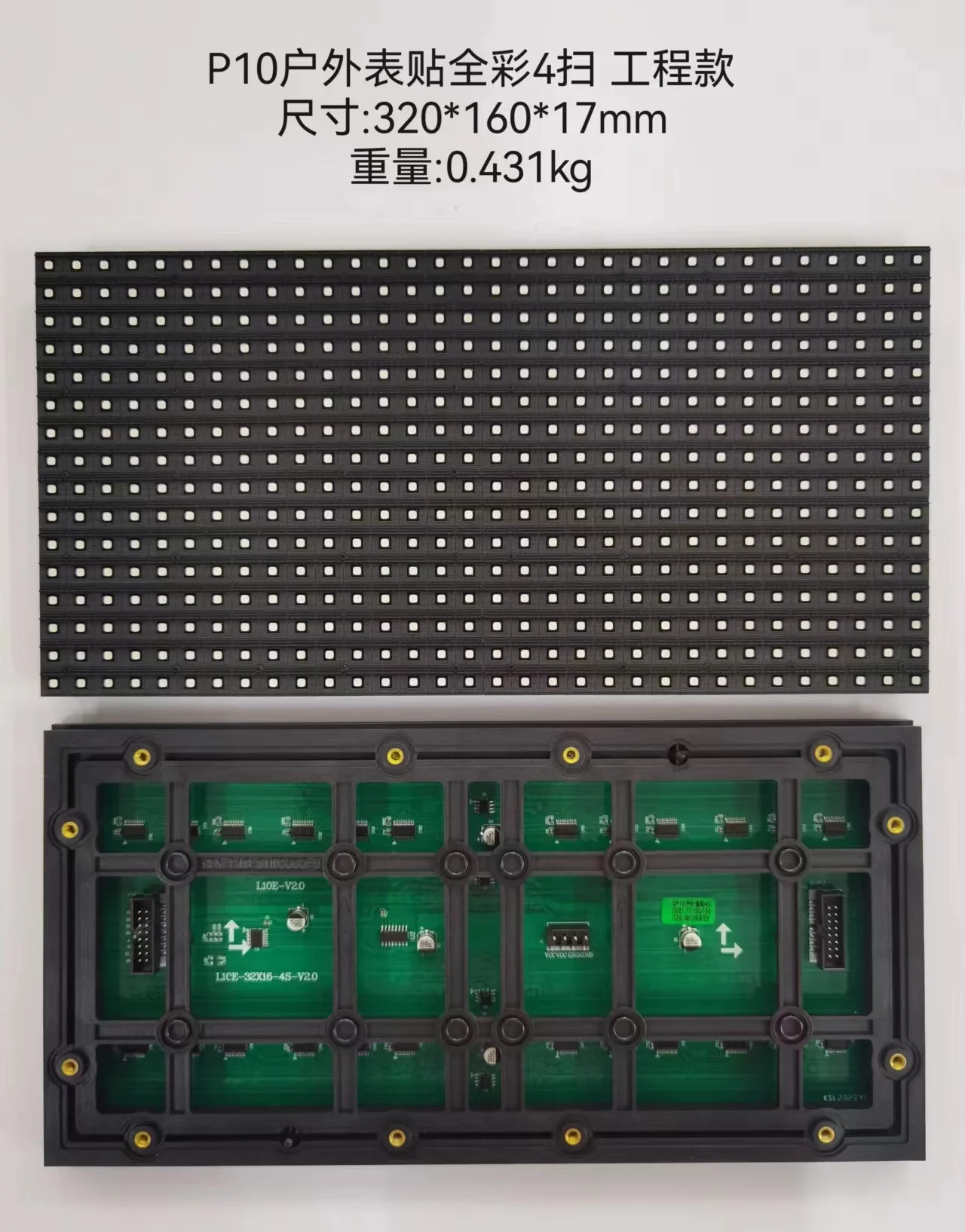
Permanent exterior display family.
Explore direction ↗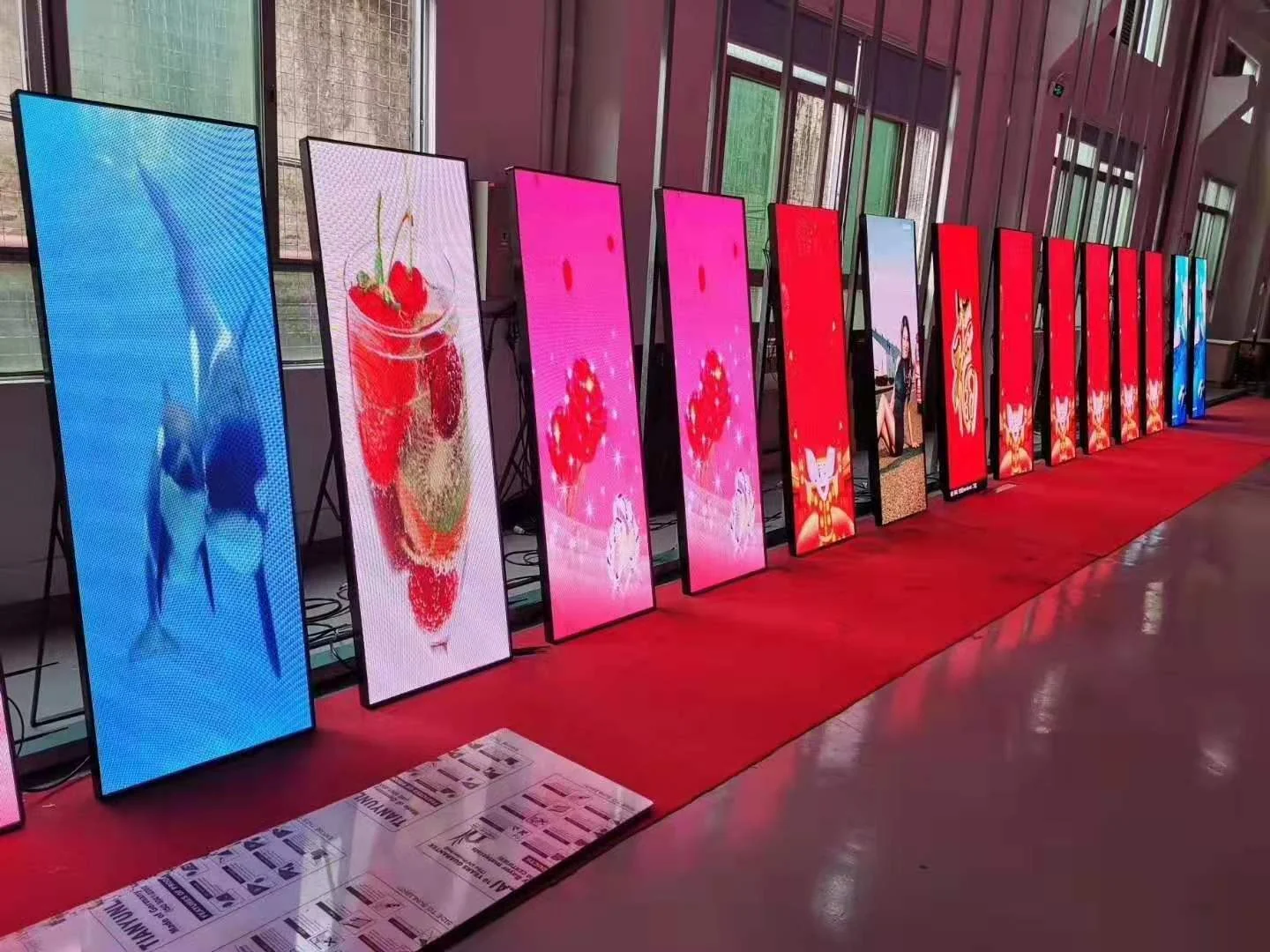
Permanent indoor display family.
Explore direction ↗Product-family direction for closer-view contexts.
Explore direction ↗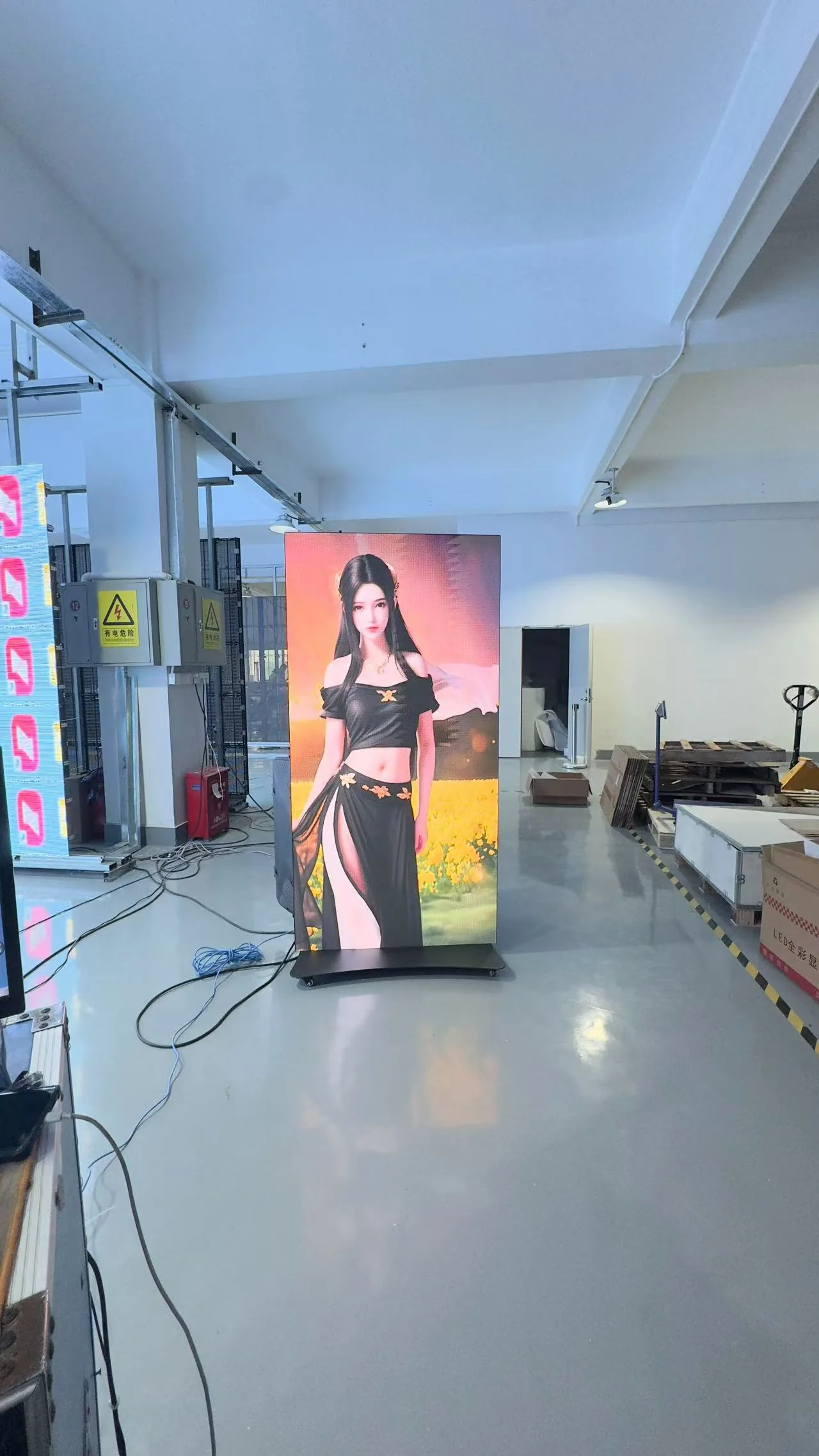
Fixed commercial-display route.
Explore direction ↗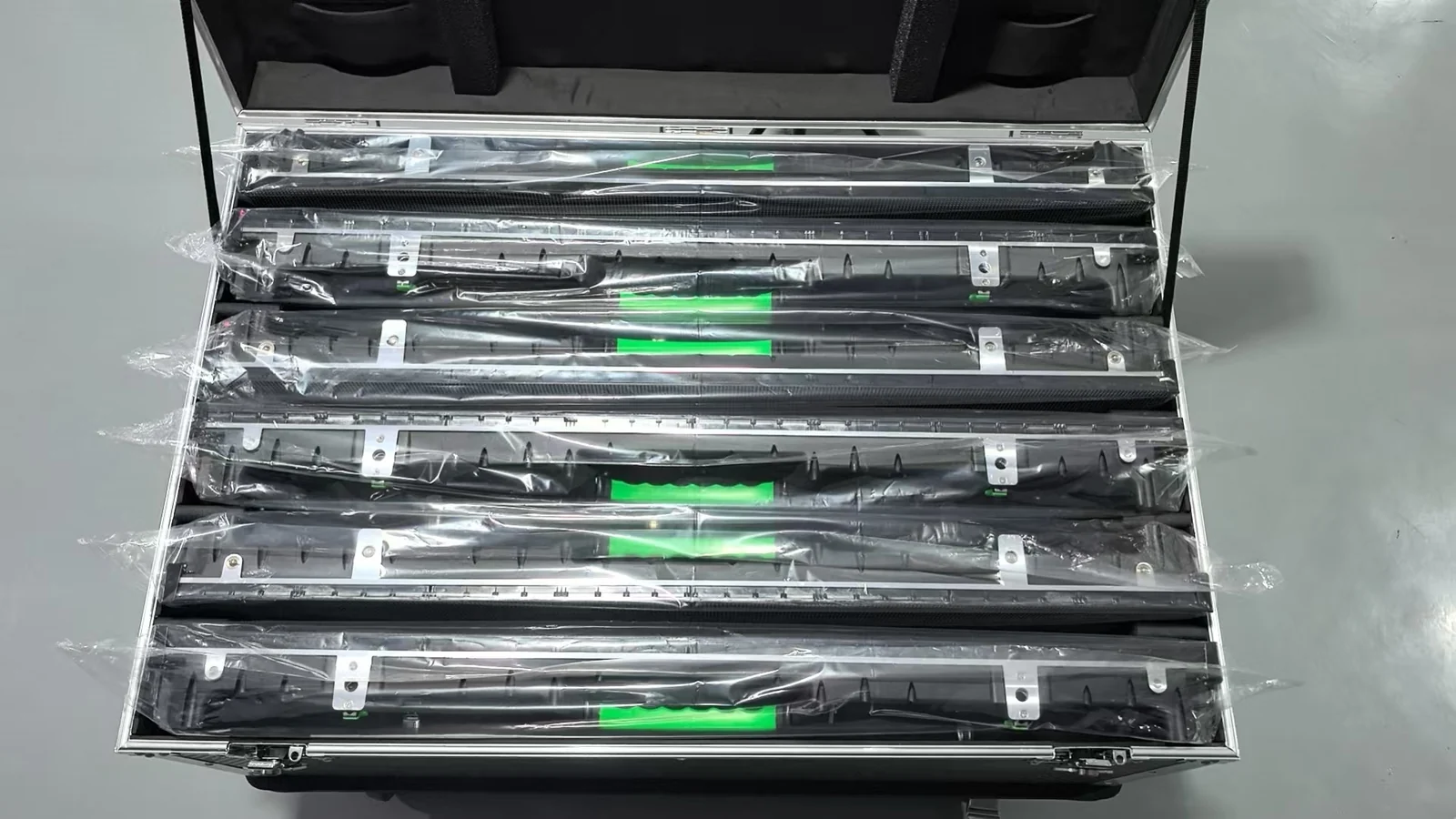
Temporary and repeatedly deployed display family.
Explore direction ↗Route for selected glazing / spatial-integration concepts.
Explore direction ↗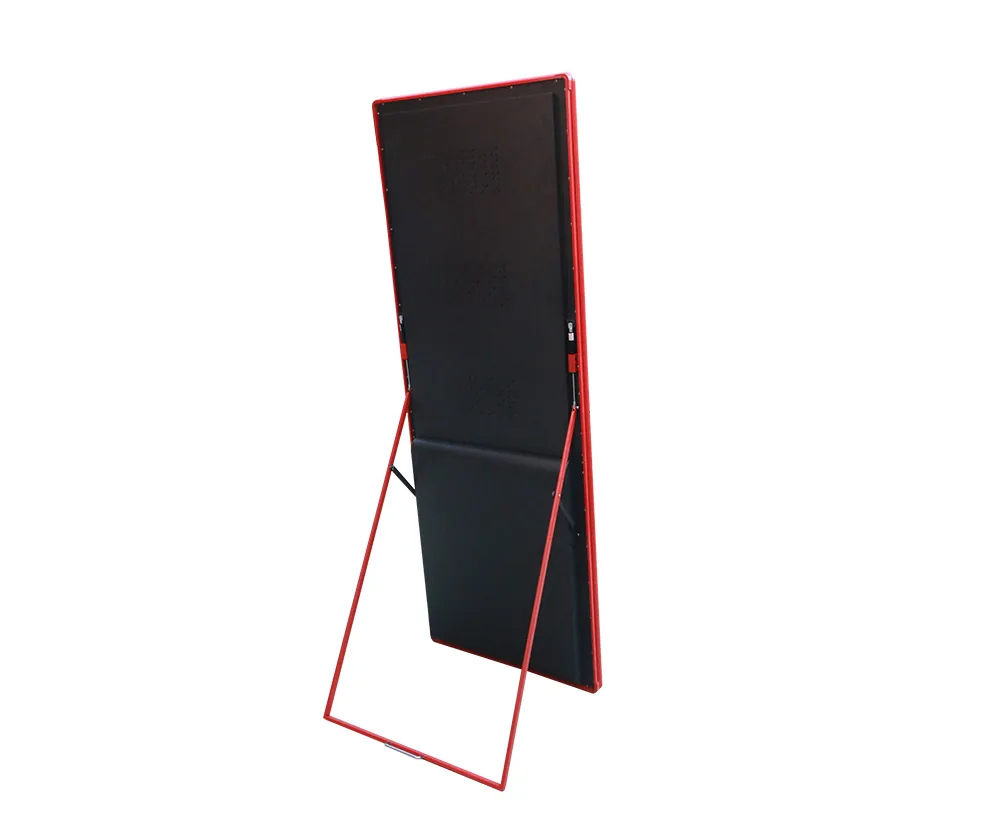
Shape-led display-family direction.
Explore direction ↗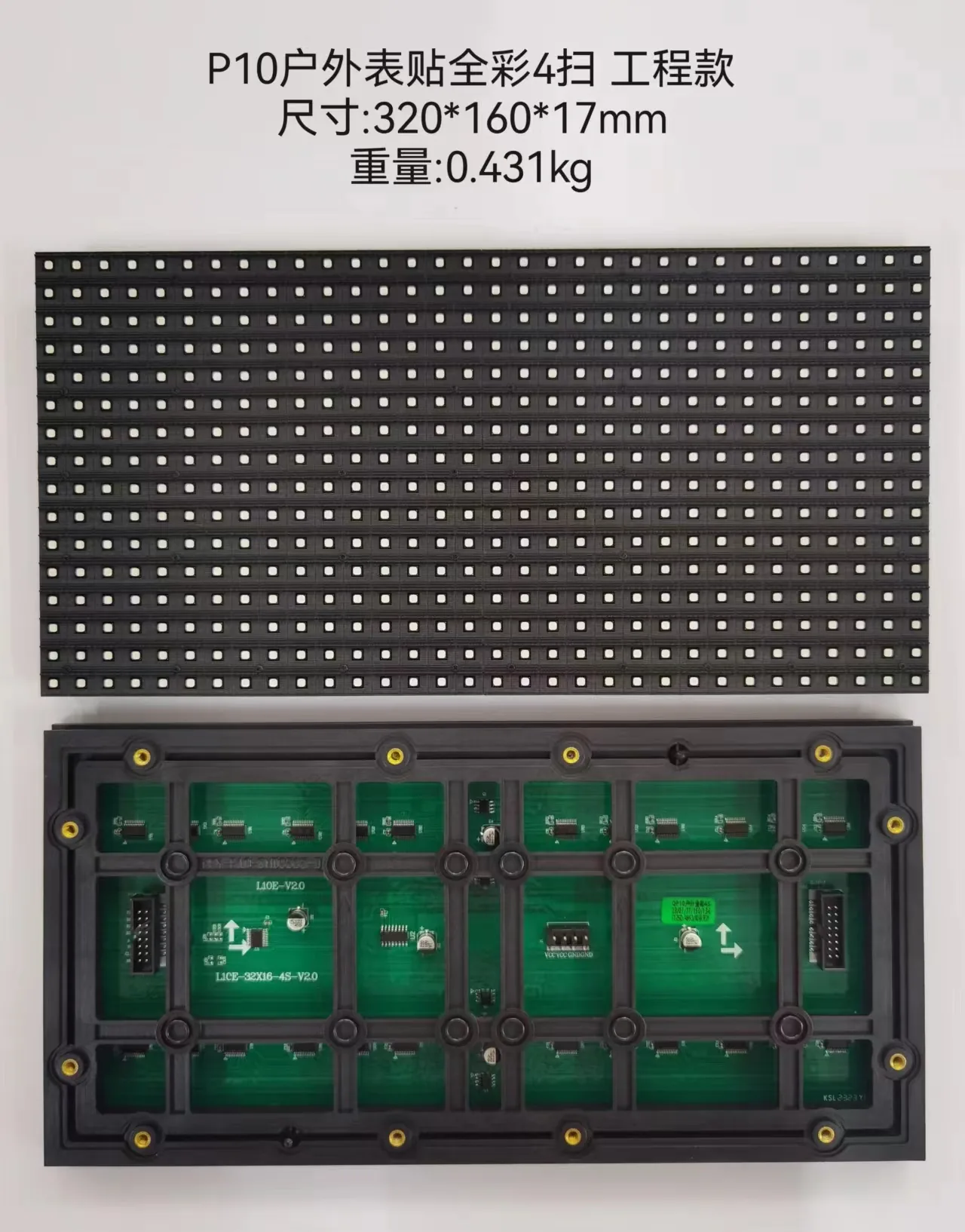
Venue-oriented display-family route.
Explore direction ↗Exact technical selection remains project-specific and source-controlled.
Final product configuration remains project-specific and should be confirmed against source-controlled TOPSTAR technical material.
Review technical resources →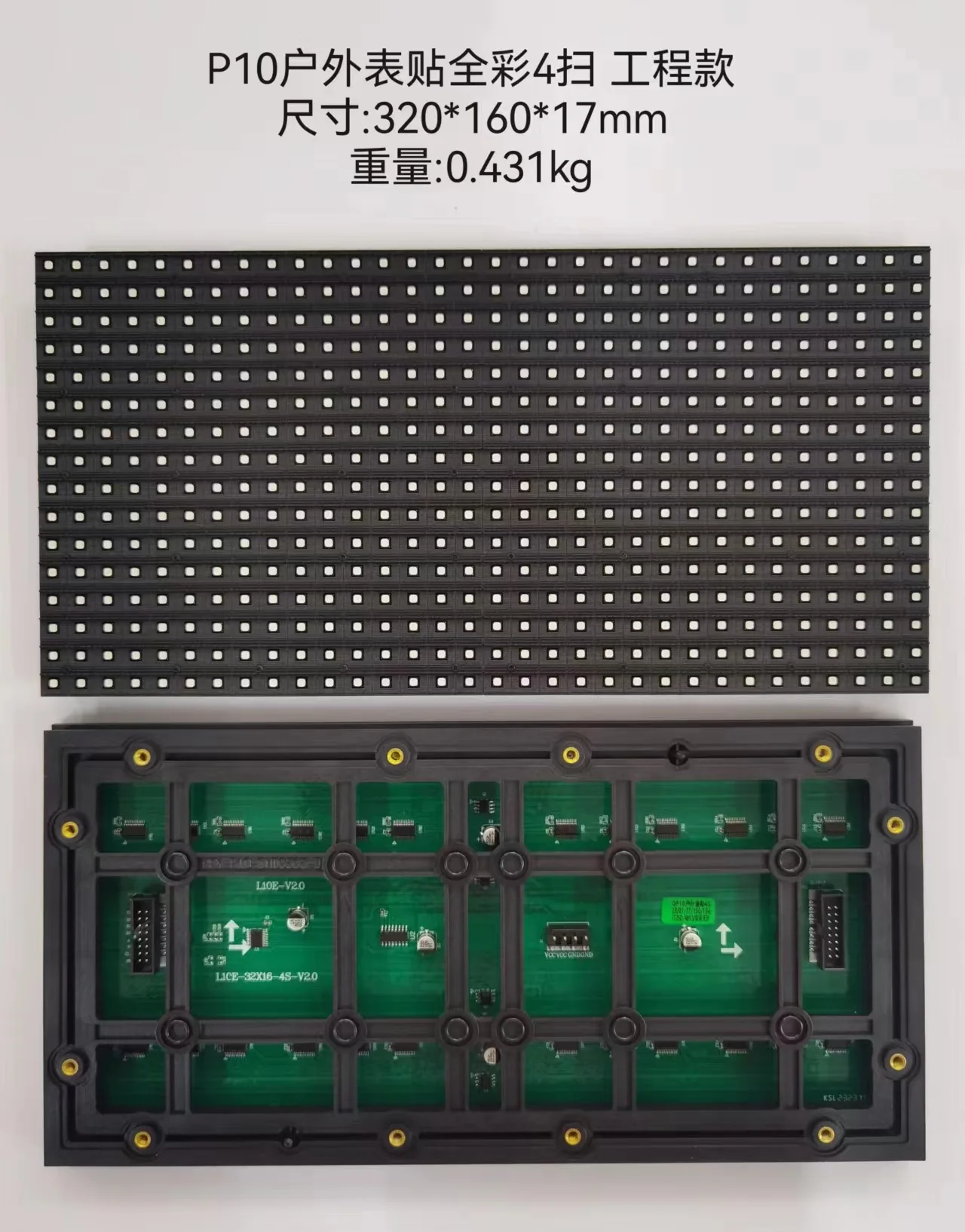
Start with the application and project constraints, then narrow the family and verify the technical configuration from source-controlled product material.
Indoor/outdoor exposure and operating context.
Audience distance, direction and content role.
Structure, access, deployment and service conditions.
Confirm model-level data before quotation.