
TOPSTARLED DISPLAY SYSTEMSStart a Project
Products
Markets
Resources
Projects
About TOPSTAR
Start a Project
TOPSTAR outdoor LED display reference visual
PRODUCT FAMILY

Outdoor LED Display

For DOOH, façades and outdoor commercial installations where weather, brightness, service access and structural constraints shape the solution.

Product-family direction · Final configuration follows the verified project brief
Product-family story

See the application, installation and service context together.

Outdoor LED Display is presented here as a product-family direction, not a one-size-fits-all specification. The visual chapters keep project context prominent while exact configuration remains tied to verified documentation and the actual installation brief.

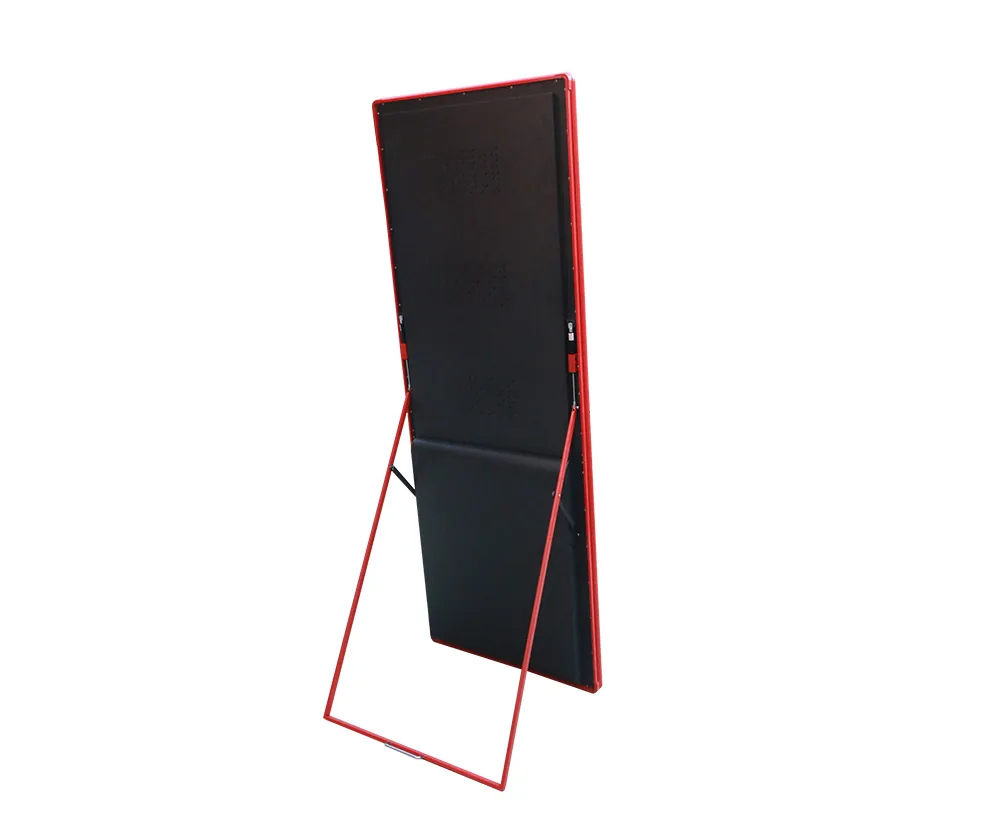
TOPSTAR Outdoor LED Display application reference material
01 / APPLICATION

Design around where the display works.

Start with audience, viewing conditions, content role and the physical environment before narrowing cabinet or module configuration.

Application guidance only. It does not assert a specific model, brightness, ingress rating, refresh rate or other unverified parameter.
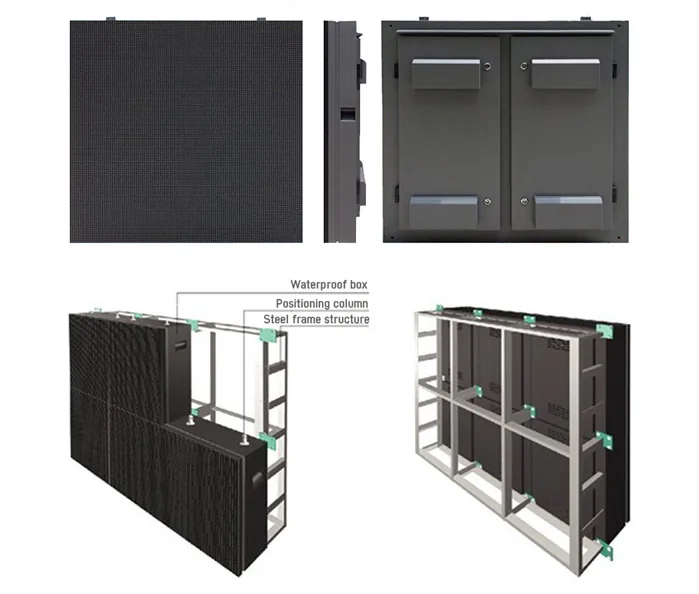
TOPSTAR LED installation and service reference material
02 / INTEGRATION

Plan installation and service access early.

Mounting structure, access path, cable routing, ventilation, maintenance approach and deployment workflow should be captured in the project brief before final product selection.

Exact mechanical and electrical requirements remain subject to verified TOPSTAR product documentation.

Outdoor LED, selected around site conditions.

Outdoor installations need to account for viewing distance, brightness environment, weather exposure, structure, service access and operating schedule. Exact model and configuration are confirmed after the project brief.

Project note:Final model specifications and configuration-dependent values are confirmed against the selected project before quotation.
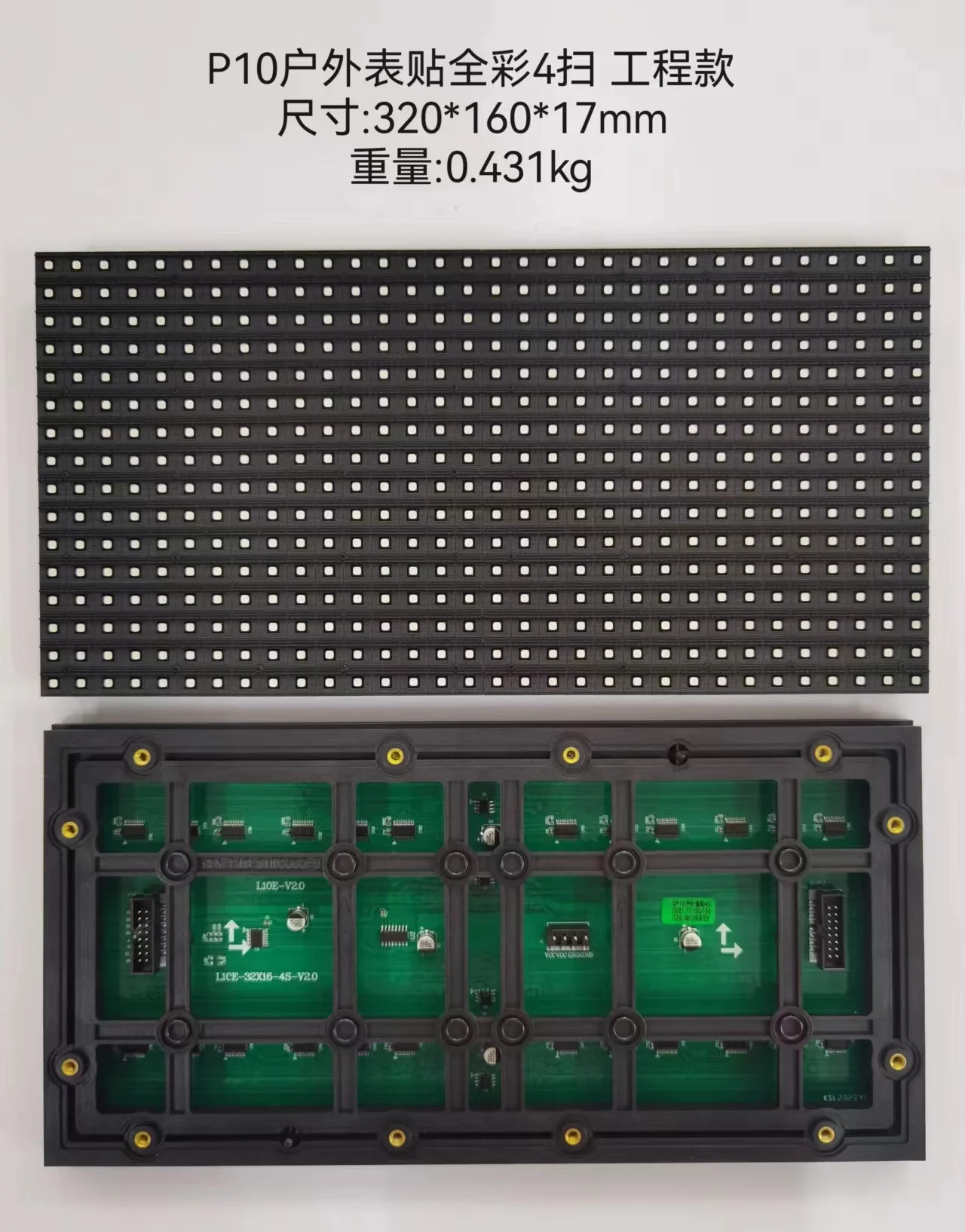
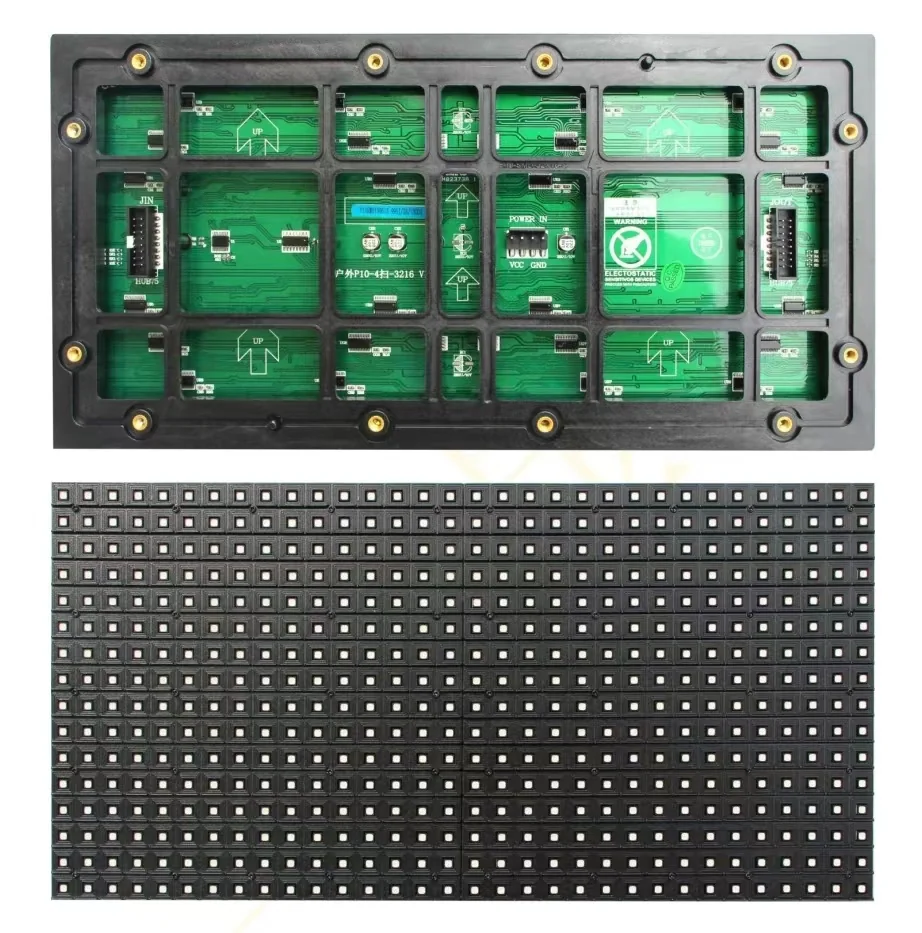
TOPSTAR P10 outdoor LED module front and rear reference material
Product story

Build the display around the site, not a guessed specification.

The product family is the starting point. Final model, configuration and technical documentation are confirmed against the real project brief.

EnvironmentExposure first

Plan around the actual outdoor conditions and installation context.

ViewingScale with intent

Use audience distance and content context to narrow the display direction.

ServiceAccess stays visible

Make installation and maintenance access part of the product decision.

TOPSTAR LED reference visual
Application context

Public-facing scale

See the display in the context of the environment, not as an isolated cabinet.

Prepare a project brief →
Applications

Where this product family fits.

Use the application as a starting point; final configuration still depends on the site and operating requirements.

Application

Outdoor advertising

Configuration is matched to viewing, installation and operating conditions.

Application

Building façades

Configuration is matched to viewing, installation and operating conditions.

Application

Retail exteriors

Configuration is matched to viewing, installation and operating conditions.

Application

Transit & public spaces

Configuration is matched to viewing, installation and operating conditions.

TOPSTAR P10 outdoor LED engineering reference material
Application context

Engineering access

Cabinet format, structure and service approach belong in the same decision path.

Prepare a project brief →
Project fit

Confirm the project before freezing the configuration.

Outdoor projects begin with exposure, viewing distance and service access. The final model, pixel pitch and technical values should be confirmed against the actual project brief rather than inferred from a generic product page.

01Environment

Define the real installation condition and any constraints that affect product direction.

02Viewing

Describe how the display will be seen and what the content needs to achieve.

03Service

Confirm installation, operation and maintenance requirements before quotation.

PROJECT RFQ

Tell us the project, not just the pixel pitch.

Send size, environment, viewing distance, installation method and destination country so the recommendation can start from the real project.

Start RFQ
Contact SalesStart a project brief